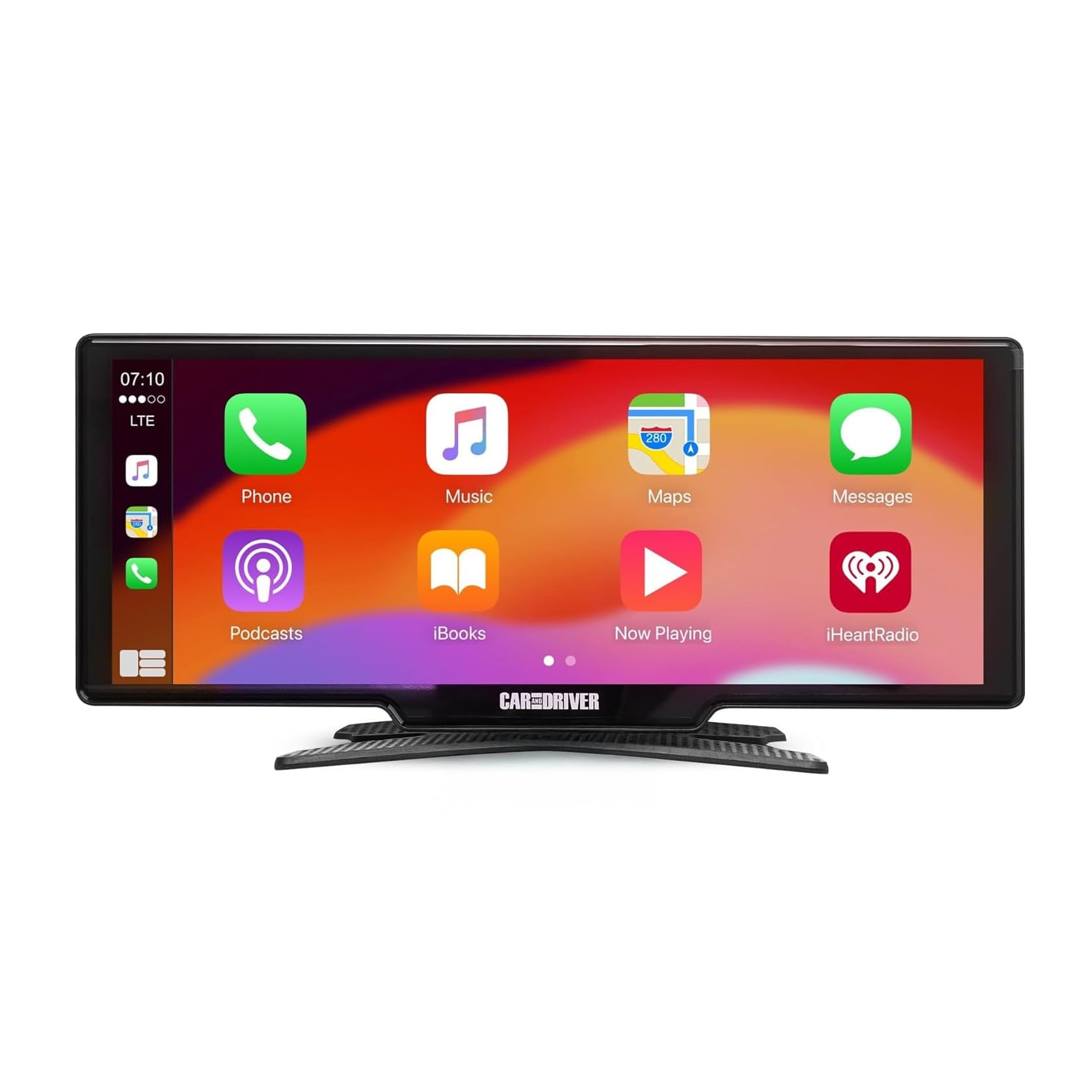
IntelliDash Pro X10: check your phone and audio setup
Add a separate 10-inch CarPlay and Android Auto screen while keeping your factory stereo. Choose your audio path and mounting location before ordering.
- A compatible iPhone or Android phone; the manufacturer lists Android 11 or later.
- Suitable vehicle power using the supplied adapter.
- A clear mounting position and an audio connection your vehicle supports.
As an Amazon Associate I earn from qualifying purchases.
Check current Amazon price →Manufacturer-sourced buying guide • Facts checked October 26, 2026.
Choose how sound reaches your speakers
The CAD-DU3210 manual describes these output options. Check your car's inputs and Bluetooth media support rather than assuming the screen will pair with every factory stereo.
| Audio route | What your setup needs | Before buying |
|---|---|---|
| 3.5 mm AUX | The display's Audio Out connects to the vehicle's AUX IN. | Confirm your stereo has an AUX input and the cable can reach it. |
| Bluetooth audio | The manual routes phone audio through the car stereo while using CarPlay or Android Auto. | Confirm your vehicle accepts Bluetooth media audio from your phone. This output mode is not offered for AirPlay or Android Cast. |
| FM transmitter | The car radio and display use the same unused FM frequency. | Reception can change as you travel, so retuning may be needed. |
| Built-in speaker | The screen's own speaker provides an output option. | Use this option when you do not need playback through the factory speakers. |
Phone, power and dashboard fit
Phone compatibility
- Supports wireless Apple CarPlay and Android Auto with a compatible phone.
- The manufacturer lists Android 11 or later for wireless Android Auto.
- Initial pairing uses phone Wi-Fi and Bluetooth. Follow the CAD-DU3210 manual for your selected mode.
Power and mounting
- Use the supplied vehicle adapter and USB-C power cable.
- The display's power input is 5V, up to 3A; the included adapter connects to a 12V vehicle socket.
- Check the 10-inch screen's clearance around vents and controls. The manual requires a mounting position that keeps your view of the road clear.
Know which extras you need
The manufacturer lists an AUX cable, vehicle charger and mounting accessories with the standard product. Confirm the exact retailer package. A reversing camera is optional; the manufacturer identifies the BUC321 kit for this model, sold separately.
Common buying questions
Does it replace my factory stereo?
The X10 is a separate plug-in display. The guide's audio options let you keep the existing stereo when your vehicle supports the selected connection.
Does it have its own GPS navigation?
The manual states that navigation depends on the connected phone; the display does not have its own GPS.
Can the Bluetooth output work with every connection mode?
No. The manual limits its BT Audio output mode to Apple CarPlay and Android Auto. It is not available for Apple AirPlay or Android Cast.
Match the X10 to your car
Confirm phone support, power, mounting clearance and your chosen audio route, then compare the live merchant offer.
As an Amazon Associate I earn from qualifying purchases.
View current Amazon offer →Manufacturer references
Use the CAD-DU3210 instructions for this model. Features and retailer package contents may change.
Comparing a dedicated dash cam?
IntelliDash combines a rearview-mirror display with camera features. If you want a dedicated dash cam, compare Rexing models by camera coverage and setup:
Rexing V33
Three 1440p views for front, cabin and rear.
Rexing R4
Four 1080p views, including left and right.
Rexing V2 Pro AI
Three 1080p views plus driver-alert features.
Rexing C3
4K front with 1080p cabin and rear views.